Open Your Door from the Car: Nuki × Apple CarPlay Widget
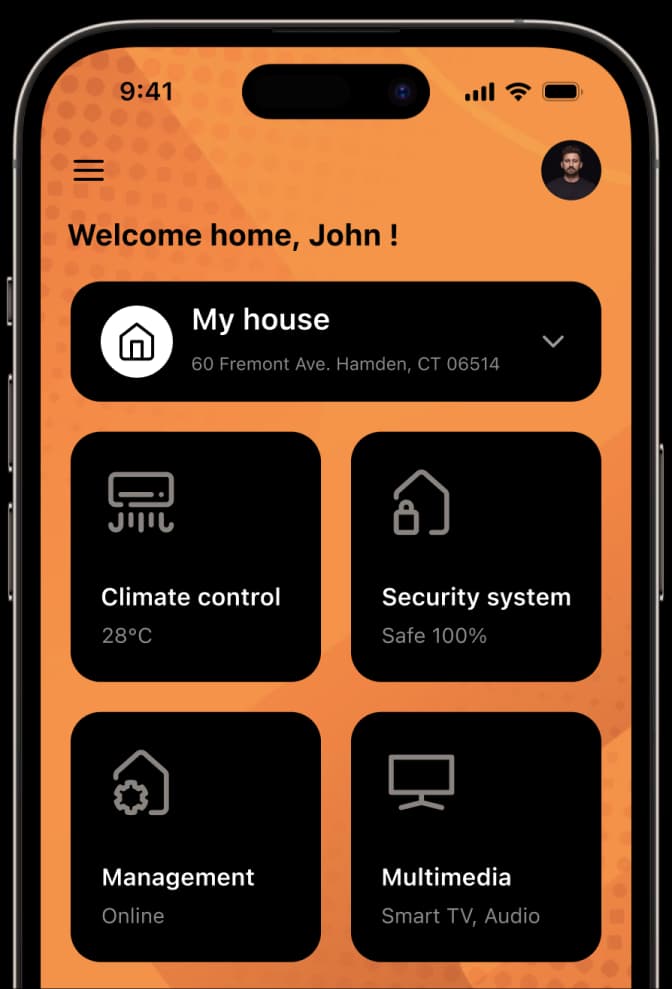
Quick door access via phone and widget, integrating your smart lock into your daily routine reduces opening the door to a matter of seconds: use your phone via Bluetooth, Wi-Fi, or Matter; trigger the lock with a single tap from a home-screen widget; or arrive home and let Auto Unlock open the door without touching anything. Whether your hands are full, you're stepping out of a car, or your child is arriving from school, using the device already in your hand is a meaningful daily improvement over searching for keys.
How to open the door quickly from a phone
The Nuki app connects your smart lock to your phone. The door opens over Bluetooth when you're close, or over Wi-Fi or Matter for remote access. Bluetooth provides direct, fast local connection; with internet, you can open your door from anywhere.
Remote door opening works natively on Smart Lock Pro (5th Gen) and Smart Lock Ultra via built-in Wi-Fi. Smart Lock Go adds the same remote access via a one-time Remote Access add-on. Letting in a courier or admitting a guest while away from home takes a few taps.
How widgets and shortcuts speed up daily access
Phone widgets eliminate the step of opening the app and navigating to the lock control. Placing the lock/unlock action on your home screen or quick-access area lets you trigger it with one tap, a meaningful difference when your hands are full or you're in a hurry:
- One tap: Engage the lock directly from the home screen without opening the app full-screen
- Voice assistant integration: The smart lock works with Apple Home, Google Home, and Amazon Alexa; in compatible setups, voice commands can be part of the access flow
- Notifications: Every door open and close is logged with a name and timestamp, when your child arrives from school and opens the door, you get a push notification
Can the door open without touching anything when my hands are full?
Yes. The Auto Unlock feature opens the door automatically as you approach home. With your phone in a pocket or bag, walking from the car to the door, or returning with shopping, you don't need to manually trigger the lock. This is one of the most practical day-to-day smart access scenarios.
When you don't want to rely on Auto Unlock, alternative access methods are always available. Without your phone: Nuki Keypad accepts a PIN or fingerprint; Nuki Fob opens via Bluetooth with a single button. Keypad 2 holds 20 fingerprints and 200 PINs. Your physical key always works as well.
Which access method fits my daily routine?
The right combination depends on your household and habits:
- Frequent outings: Auto Unlock + home-screen widget covers hands-full moments
- Guest and courier access: Remote door open + time-restricted digital key, or single-use/time-limited PIN for deliveries
- Phone-free access: Keypad (PIN/fingerprint) or Fob (single button) for entry without a phone
To find the right setup, see the smart lock selection guide and the Nuki library.
Using your phone, widgets, and Auto Unlock together, door access becomes a frictionless part of daily life. Explore Smart Lock Ultra and Smart Lock Pro to find the right fit.