No Key Needed: Let Your Door Open Automatically
Auto Unlock is a keyless access method that opens your door automatically as you approach home, with your phone in your pocket. The smart lock uses your phone's location and Bluetooth signal to detect your arrival; by the time you reach the door, the lock is already open. No key to find, no app to open, no button to press.
How Auto Unlock works
Your phone's location data detects the "returning home" movement as you approach. When you reach the door, the lock opens over Bluetooth. The system uses both GPS (to detect the approach direction) and Bluetooth proximity (to confirm you're at the door), so it does not trigger when you're simply nearby, only when you're arriving.
Key behaviour: the system only recognises an approach from outside as a trigger. It won't open again until you leave and come back, so the lock never opens while you're already inside.
Security
Auto Unlock requires your phone to be physically present and approaching the property. The lock opens only when your registered device enters Bluetooth range from outside. If you lose or change your phone, you can remove that device's access from the Nuki app, revoking Auto Unlock instantly.
If your phone battery dies or Bluetooth is off, the door opens via any other method (app, Keypad, Fob): Auto Unlock is a convenience layer, not the only access path.
Which Nuki models include Auto Unlock?
All Nuki Smart Lock models include phone-based access and Auto Unlock:
- Smart Lock Go: Entry-level, compact. Built-in Wi-Fi and Thread, phone access and Auto Unlock. Remote access activated via optional add-on.
- Smart Lock Pro (5th Gen): Built-in Wi-Fi, bridge-free remote access, Matter compatibility, stainless-steel body, adjustable lock speed.
- Smart Lock Ultra: Brushless motor, Matter over Thread, quietest and fastest operation in the lineup.
Not sure which model suits you? See the smart lock selection guide.
Who benefits most from Auto Unlock?
Auto Unlock is built for people who frequently arrive home with their hands full: parents carrying a child, returning from shopping, coming back from a run or cycling. Anyone with a consistent daily home-return routine who keeps their phone with them will find it the most natural keyless experience.
For household members who don't carry a phone, children, elderly relatives, or occasional guests, Auto Unlock alone isn't enough. Adding a Keypad or Fob extends keyless access to everyone.
Auto Unlock vs other keyless methods
Nuki supports several access methods on a single door, each for a different need:
- Auto Unlock: Hands-free, automatic, no action required. Best for the phone-carrying resident.
- App unlock: Manual tap in the Nuki app over Bluetooth, Wi-Fi, or Matter. Gives direct control when you don't want automatic triggering.
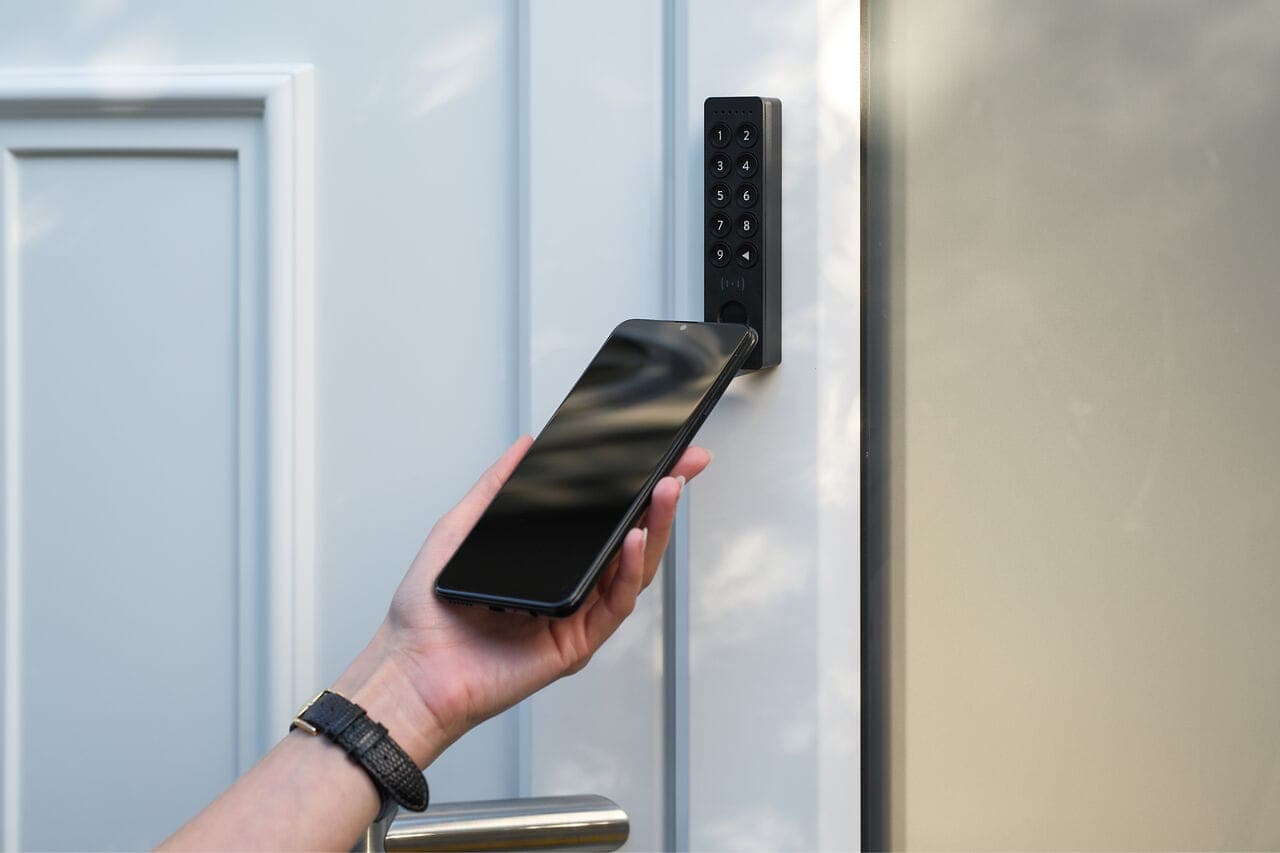
- Keypad PIN/fingerprint: Phone-free entry with a 6-digit PIN or fingerprint. Keypad 2 holds 20 fingerprints and 200 PINs; works for children, household staff, and guests. Keypad 2 NFC adds NFC card, digital wallet, and Apple Watch tap.
- Nuki Fob: Single-button Bluetooth device, no phone, no code to remember. Compact and practical for children, elderly users, and guests.
In practice most households combine methods: Auto Unlock for the primary resident, Keypad or Nuki Fob for household members without phones, and the app for one-off situations.