Accessibility Starts at the Front Door
A smart lock removes the requirement to physically turn a key, replacing it with access via phone, fingerprint, PIN code, single-button press, or automatic opening on approach. For people with limited mobility, elderly users, and those requiring care, this difference represents meaningful daily independence. Searching for a key in a bag, trying to hit a keyhole, or waiting in the cold: these are not minor inconveniences for someone using a wheelchair, whose hands tremble, or whose hands are full. Independent living often begins right here: at the front door.
Why accessibility starts at the front door
When discussing a home's accessibility, ramps and wide doorways typically come to mind first. But the first step to entering a home is unlocking the door. A standard key requires fine motor control, grip strength, and the ability to find the correct angle. For someone living with arthritis, post-stroke limitations, a visual impairment, or age-related hand tremors, these movements are a recurring source of fatigue. A smart lock converts this step into methods that require no grip strength at all, enabling a person to enter their own home without relying on anyone else.
The key point: no single access method works for everyone. The ability to choose the method that best fits the individual is the foundation of genuine accessibility.
How Auto Unlock opens the door without any action
The Auto Unlock feature on Smart Lock Go unlocks automatically as the user approaches home. No phone to take out, no button to press, no key to turn. The phone in the user's pocket detects their approach by location, and the lock is ready before they reach the door. For a wheelchair user or someone with full hands, the door is simply "ready" when they arrive.
The door can also be opened manually via the Nuki app over Bluetooth, Wi-Fi, or Matter. Remote access for Smart Lock Go is enabled with the Remote Access add-on.
Phone-free access for those who don't use smartphones
Not everyone is comfortable with a smartphone. For an older user or anyone who prefers a simpler solution, phone-free methods matter:
- Nuki Fob: A small keychain device that opens the door with a single Bluetooth button press, no phone, no menu, no screen, no app. Practical for children, elderly users, and guests.
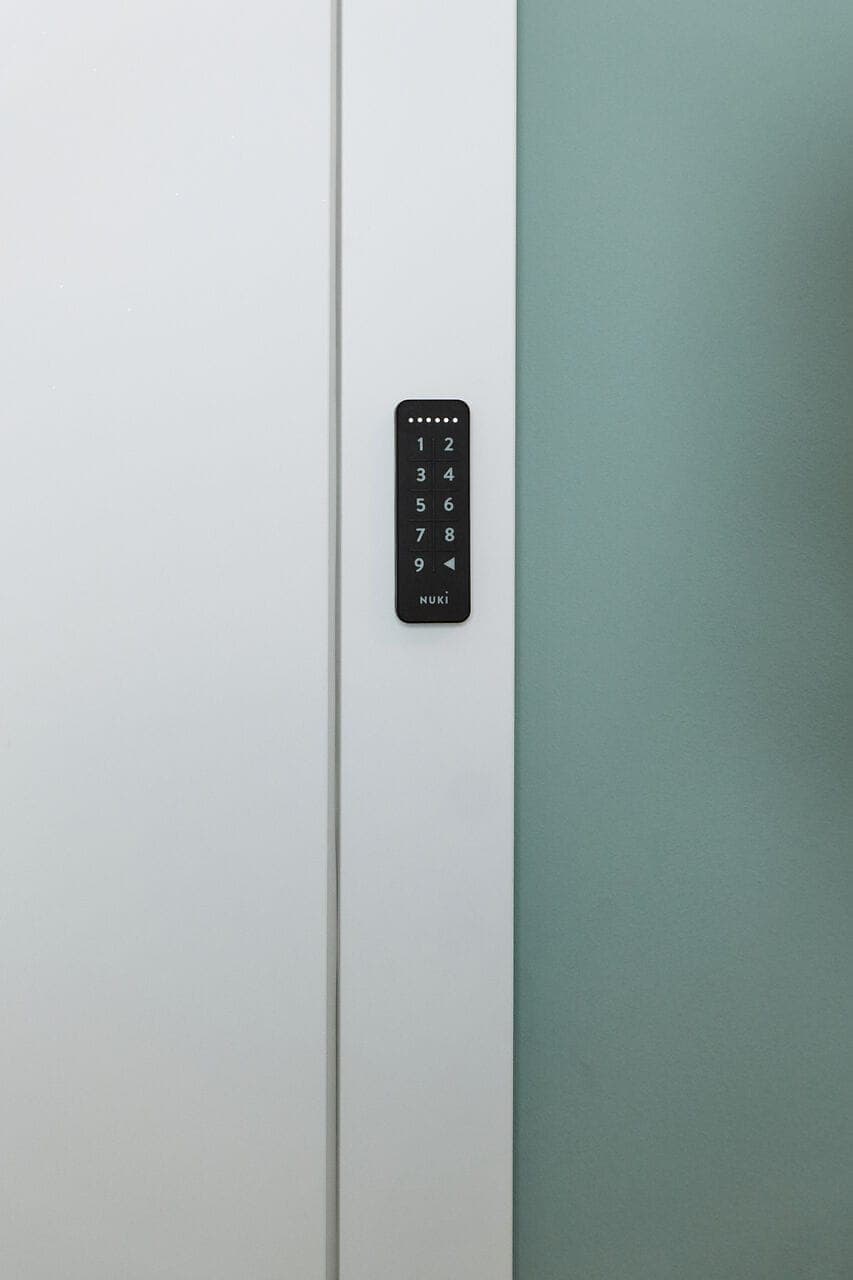
- Keypad 2 NFC: Supports PIN code, fingerprint, digital wallet, and Apple Watch tap, four methods, eliminating the need for a key entirely. A memorized code or a fingerprint is enough.
The same door can open automatically for one person, with a single button for another, and with a fingerprint for a third. Accessibility lives in this variety of options.
Time-restricted access for carers and family members
If you have a family member requiring care, a carer or helper needs access, but that doesn't mean giving everyone an unrestricted key. With a smart lock, you can give a helper, cleaner, or carer a digital key valid only on specific days and hours (for example, Tuesday–Friday 09:00–12:00). The permission can be revoked instantly from the app, without collecting a physical key or changing any codes.
Every door open and close is logged with the person's name and a timestamp. A family member in another city can check when the carer arrived without needing to call. For more detail, see guest access management.
Preventing the door from being left open
A common concern for elderly users is accidentally leaving the door open. The Door Sensor tracks the door's open/closed state in real time, sends a notification if the door is left open, and acts as the trigger for auto-locking. When the door closes, the lock engages automatically.
This is a concrete source of confidence for both the person at home and family members at a distance. The responsibility of remembering to lock no longer rests on the individual. The system takes it over.
Smart home system compatibility
The smart lock works standalone, but can also connect to an existing smart home setup. Compatible with Apple Home, Google Home, Amazon Alexa, Samsung SmartThings, Matter, and Home Assistant. Voice commands can query the lock's status or automate locking routines: for someone with limited hand use, voice control adds another independence layer.
The right starting point for independent living
A smart lock is not an accessory. For people with mobility limitations, elderly users, and those needing care, it is an access tool that restores everyday independence. Auto Unlock, phone-free alternatives, time-restricted carer access, and door state monitoring together transform the front door from a barrier into a threshold that can be crossed on one's own terms.
Start with Smart Lock Go, then add Fob, Keypad 2 NFC, and Door Sensor as needed to build the setup that fits your situation.